You already Reddit once
Find it again in seconds!
Reddit Recall quietly builds a personal, searchable archive of every Reddit thread you visit, stored entirely on your own device. Find an old comment or thread in seconds, even one that was later edited, removed, or deleted, without relying on Reddit's own limited search.
Nothing is uploaded anywhere. No server, no account, no telemetry.
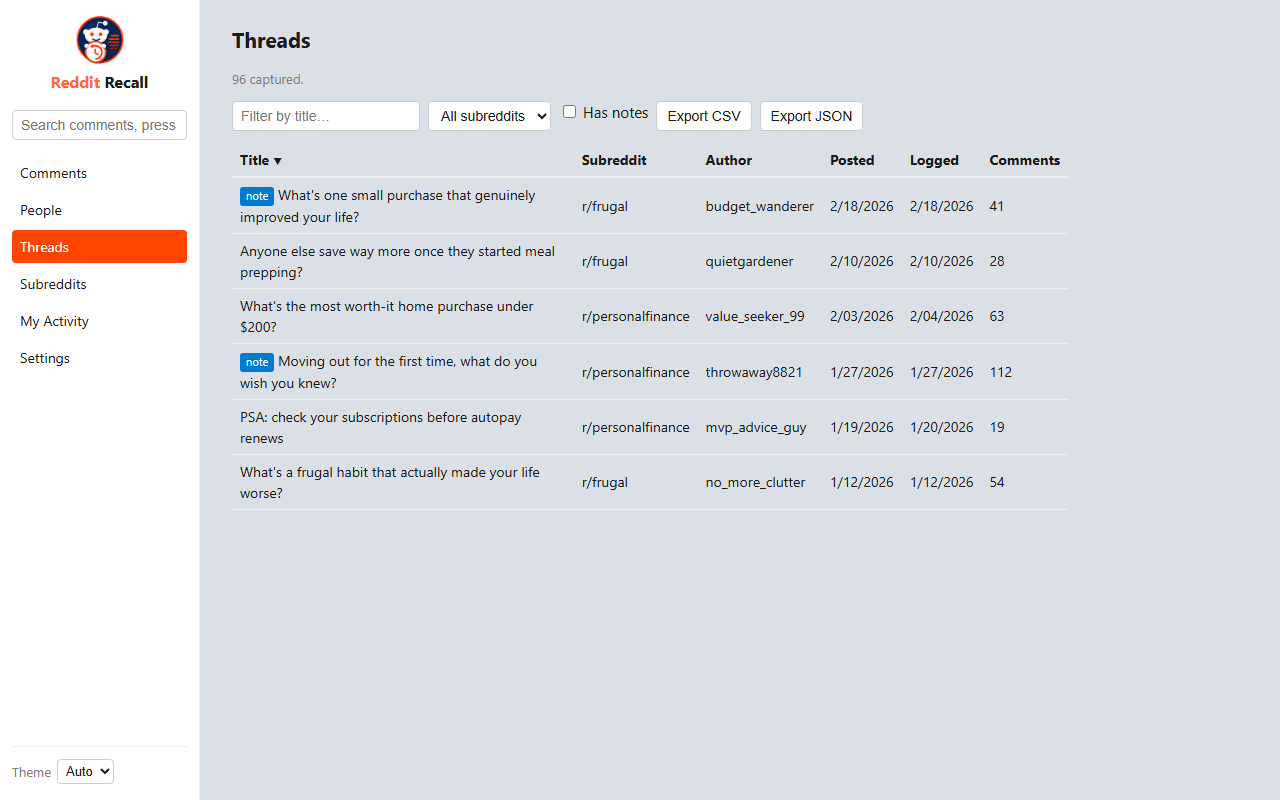
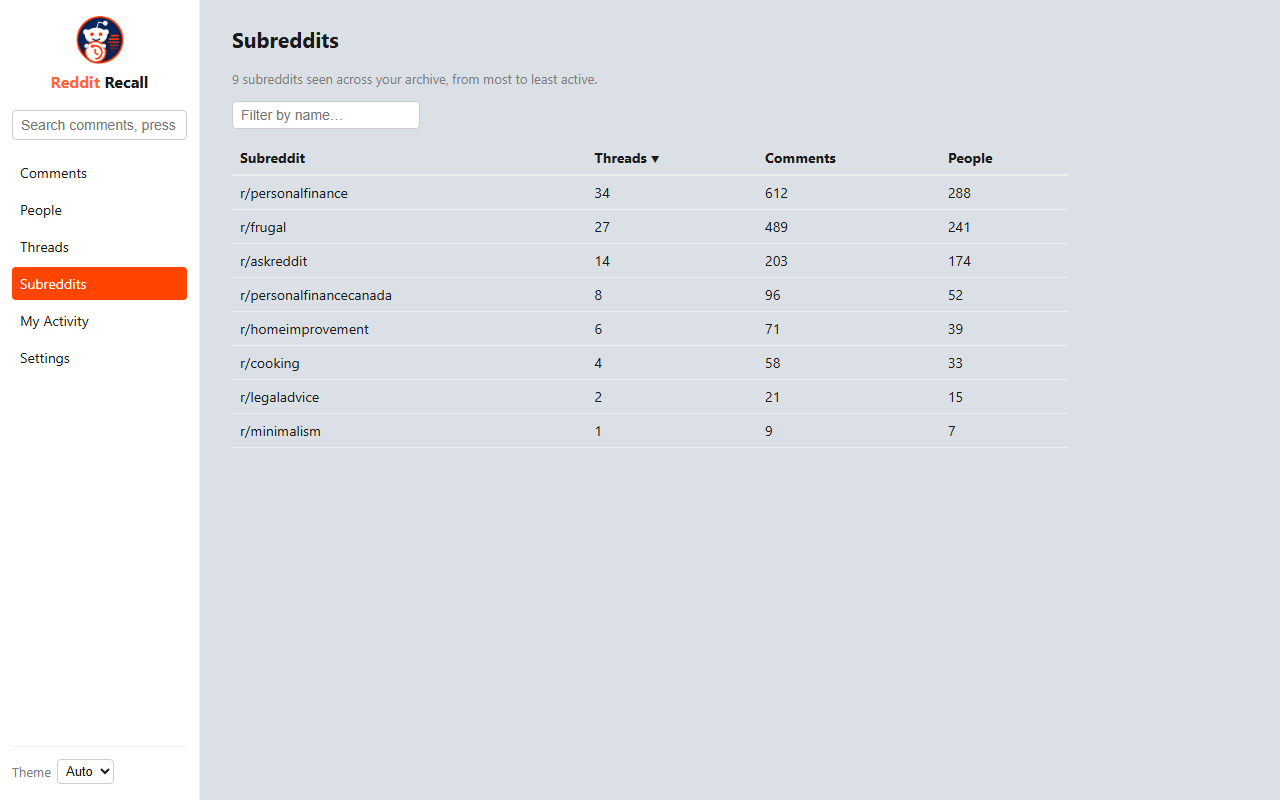
Everything you need to find it again
One extension, running quietly in the background, with a dedicated portal for everything else.
It's already running
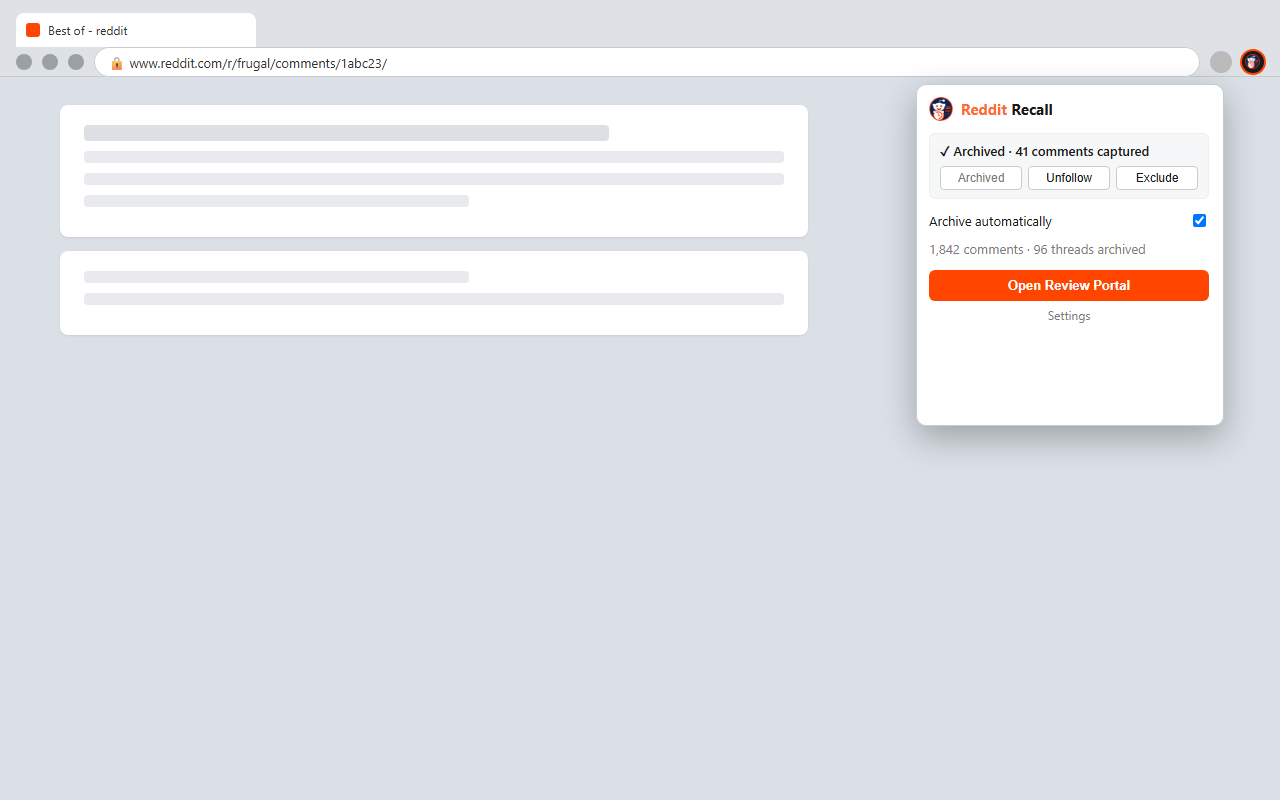
Browse Reddit normally. Threads you open get archived automatically in the background, including edits and removals over time. Nothing to turn on.
Archive a link without opening it
Right-click any thread link, on Reddit or anywhere else (Discord, another tab, a text message), and archive it directly.
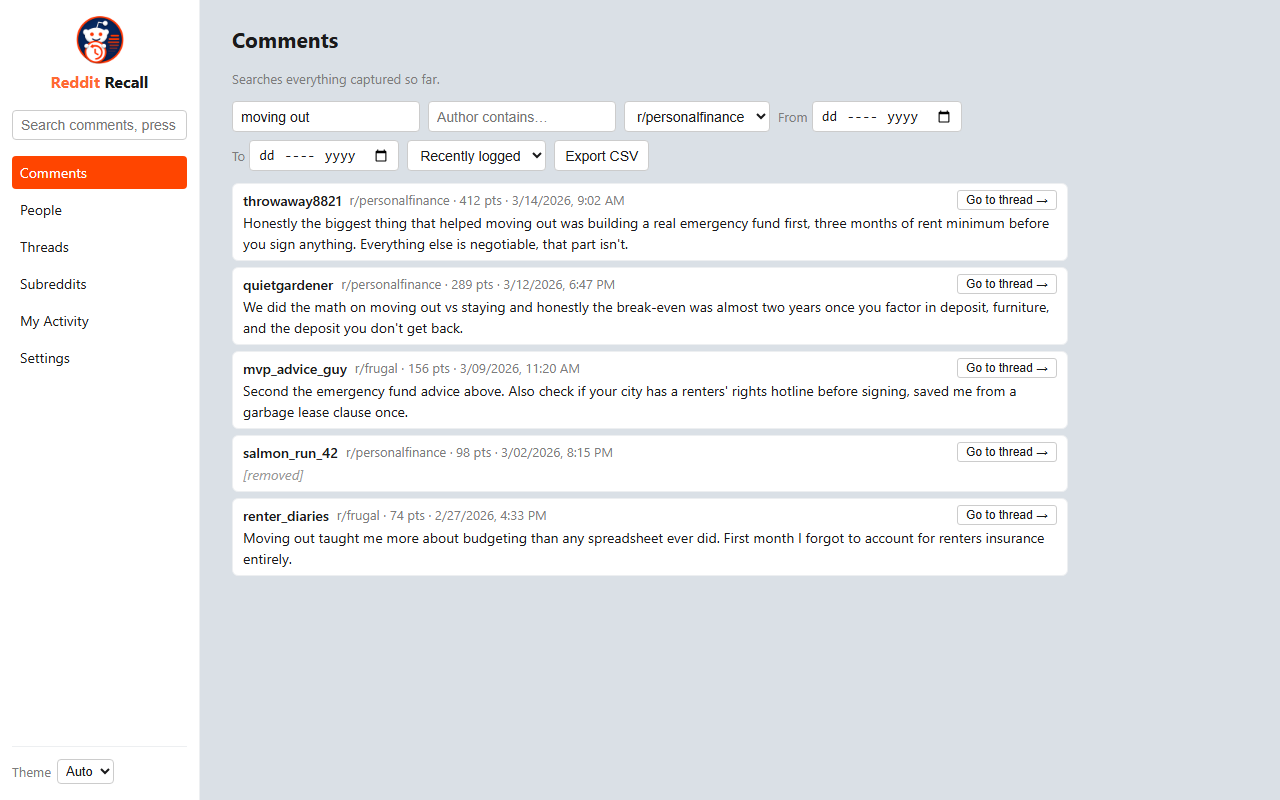
Search your reading history
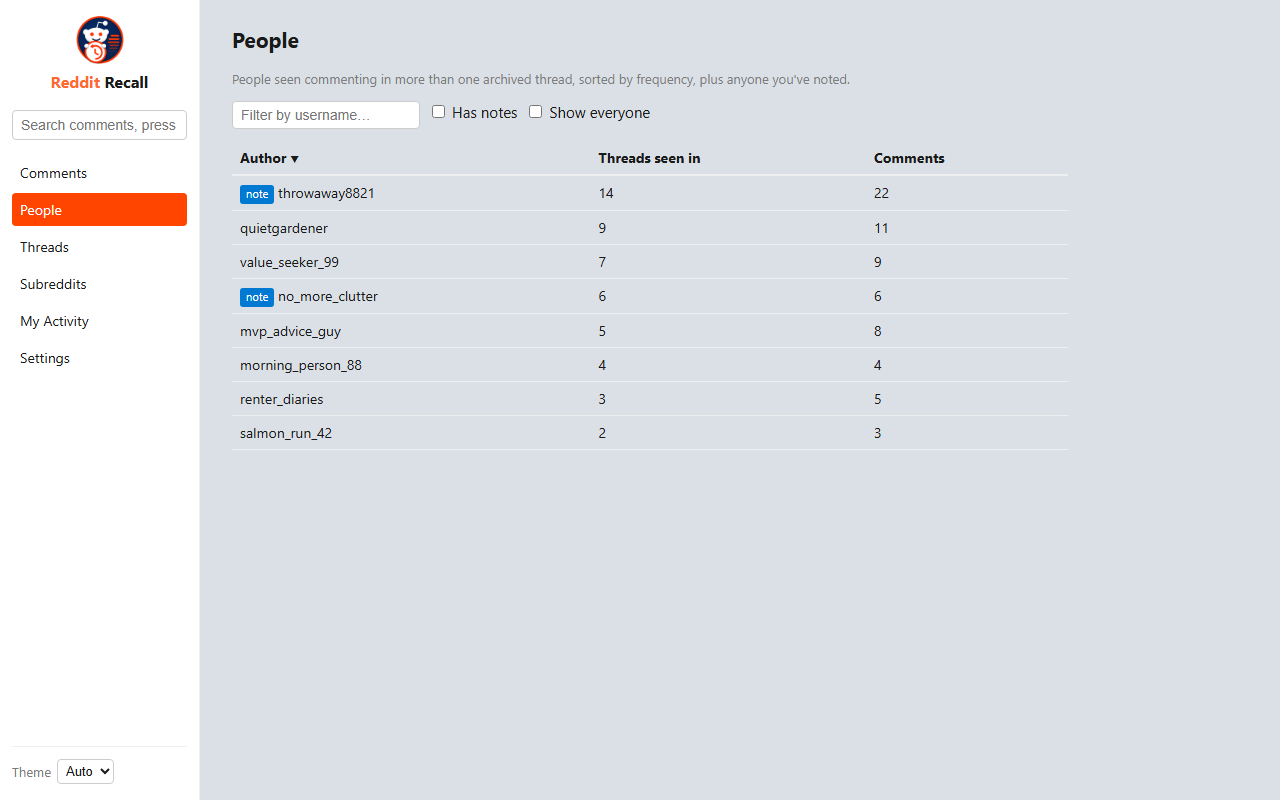
A dedicated review portal lets you search, filter, and browse every comment, thread, person, and subreddit you've seen.
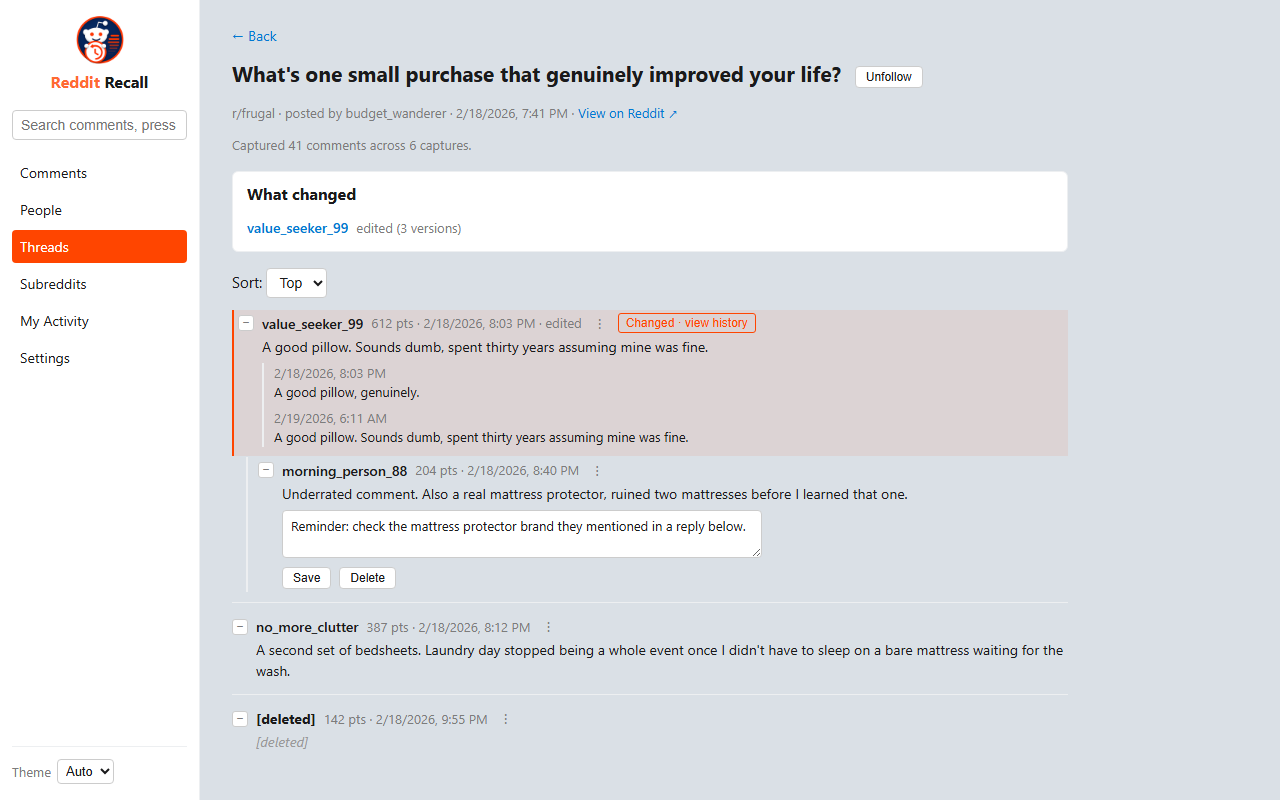
See what was edited or deleted
Captures are timestamped, so Reddit Recall preserves comments and posts that get edited, removed, or deleted after your visit.
You're in control
Exclude specific subreddits or threads, set retention windows, or turn automatic capture off entirely.
Export anytime
Back up or move your archive whenever you want, as a full JSON export you control.
Local-only, by design
Reddit Recall was built as a personal archive, not a product with a backend. Your reading history is yours.
Everything lives in your browser's own storage. Uninstalling the extension removes it completely.
Read the full privacy policy- ✓ Stored only in your browser, on your device
- ✓ No server, no account, no sign-in
- ✓ No analytics, tracking, or telemetry
- ✓ No data ever sold or shared with third parties
How it works
No setup, no configuration required to get started.
Install the extension. Archiving happens automatically and passively as you browse Reddit normally.
Keep browsing. Everything is stored locally in your browser: no server, no account, no telemetry.
Search whenever you need it. Open the review portal to search, filter, and export your archive by keyword, author, subreddit, or date.
See it in action
Notes, edit history, and a quick toolbar popup, all built into the same portal.